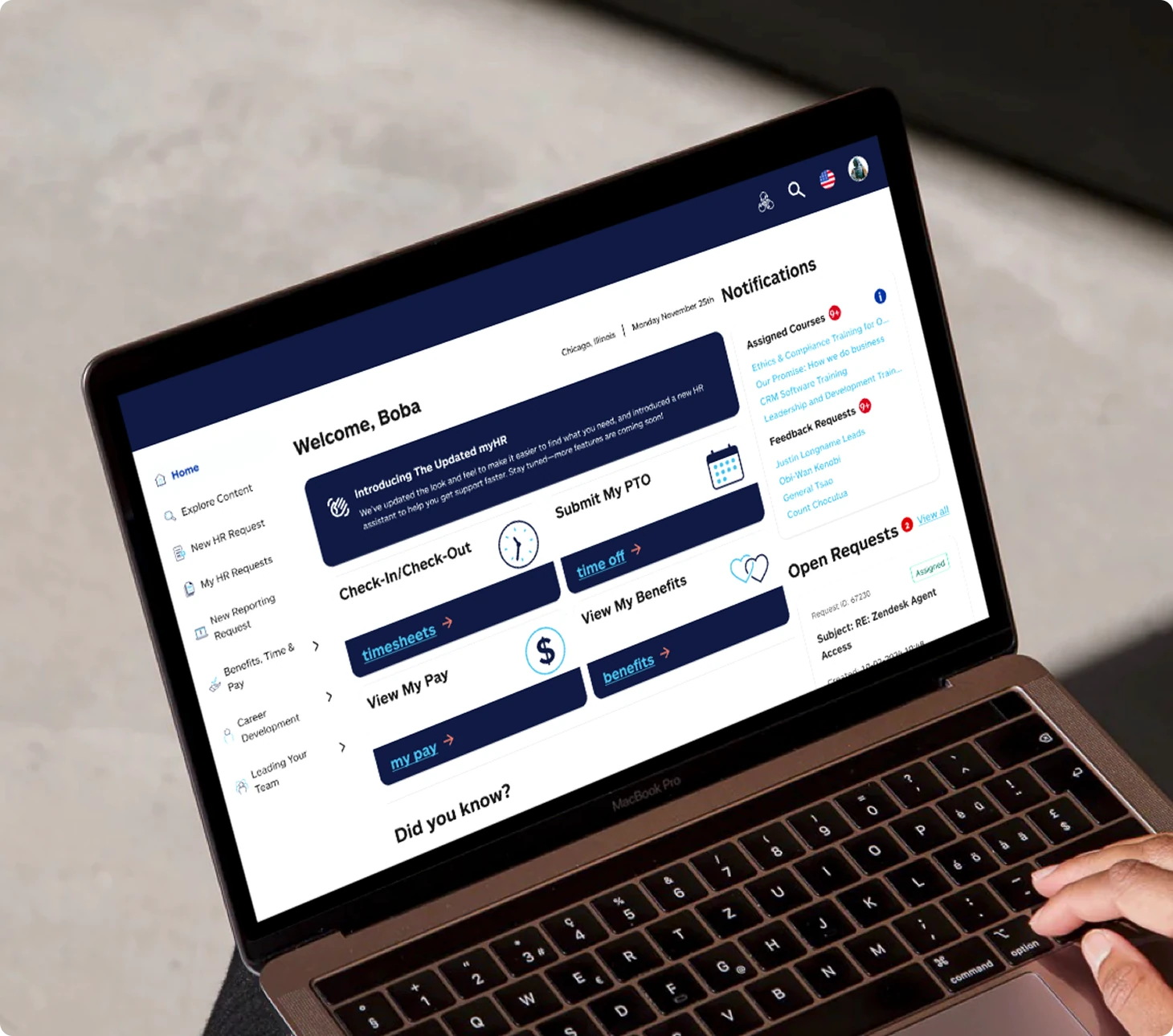
How I transformed a vision for a wholistic workplace AI assistant into a realistic, actionable solution
Enterprise leaders love to talk about what AI could do for their organization. The harder question is where to start. At Allstate, I was brought in to help design an AI-powered HR portal for a team that had spent years workshopping possibilities but had no experience shipping a product. My role became helping the client understand what they actually needed — and in order to do that, I needed to understand the big picture.
Overview
Allstate's HR group had a bold vision for an AI-powered workplace assistant but no clear path to execution. Accenture was brought in to deliver a redesigned HR portal as the first tangible step toward that vision. I led UX strategy and design execution.
Allstate employees across the organization using the HR portal to access resources, submit requests, and get support. A broad, non-technical audience with low tolerance for friction and high expectations for clarity.
Replace an outdated, Zendesk-based HR portal with a modern, intuitive platform that integrated the company's AI assistant and laid the groundwork for a phased, long-term workplace transformation.
Pain points
The client had spent countless hours and dollars investing in AI without producing a working product. Employees meanwhile were navigating an HR portal that was difficult to use and poorly organized. Both problems needed to be addressed — and they were connected.
User
No centralized resource repository meant employees had to search across multiple systems to find basic HR information.
The existing portal was built on Zendesk, a platform not designed for HR, resulting in a clunky, unintuitive experience.
Poor information architecture made it difficult to find anything. There was no clear structure to how content was organized.
Business
After countless hours of workshops and strategy sessions, no working product had been delivered. Client trust in Accenture was eroding with a contract renewal approaching.
The AI assistant had been built but never properly integrated. It struggled to retrieve relevant information and couldn't escalate issues to human reps when needed.
Leadership turnover and shifting priorities had stalled progress, leaving the organization without a realistic path forward on their AI vision.
Business solutions
When I joined the project it lacked structure. Key stakeholders were frequently unavailable, and I inherited wireframes from a previous designer with no clear direction. The initial ask was a simple reskin of the existing portal. But as I dug into the business goals it became clear a reskin wouldn't move the needle.
The real shift came when I pushed to reframe the project scope. Rather than a surface-level redesign, I advocated for a strategic overhaul that addressed the underlying problems and positioned the portal as the foundation for the client's long-term AI vision. That reframe changed the trajectory of the project.
The client thought they needed a reskin. What they actually needed was a product strategy. I worked with account leaders and newly onboarded HR product experts to redefine the scope, moving from a cosmetic update to a foundational redesign with a clear path forward.
With a clearer scope in place, I helped coordinate across product, design, and development to establish shared priorities. Getting everyone pointed in the same direction was as important as the design work itself.
After years of stalled progress, the client needed to see momentum. Rapid wireframe iteration and visible forward movement helped restore trust before the contract renewal window closed.
Design solutions
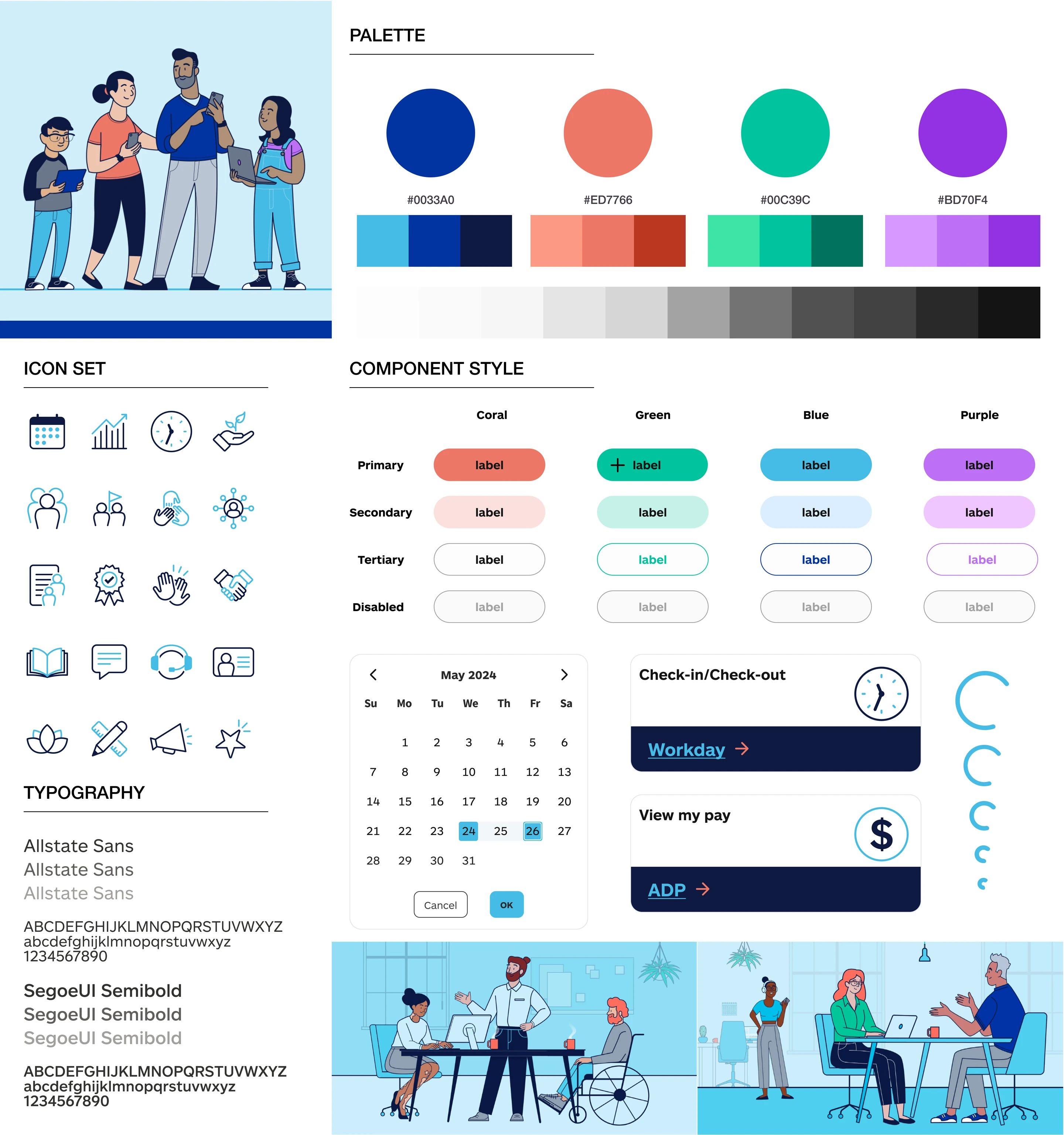
MyHR 2.0 wasn't just a redesign. It was a foundation for a smarter, more integrated HR experience. Here's what I designed and why.
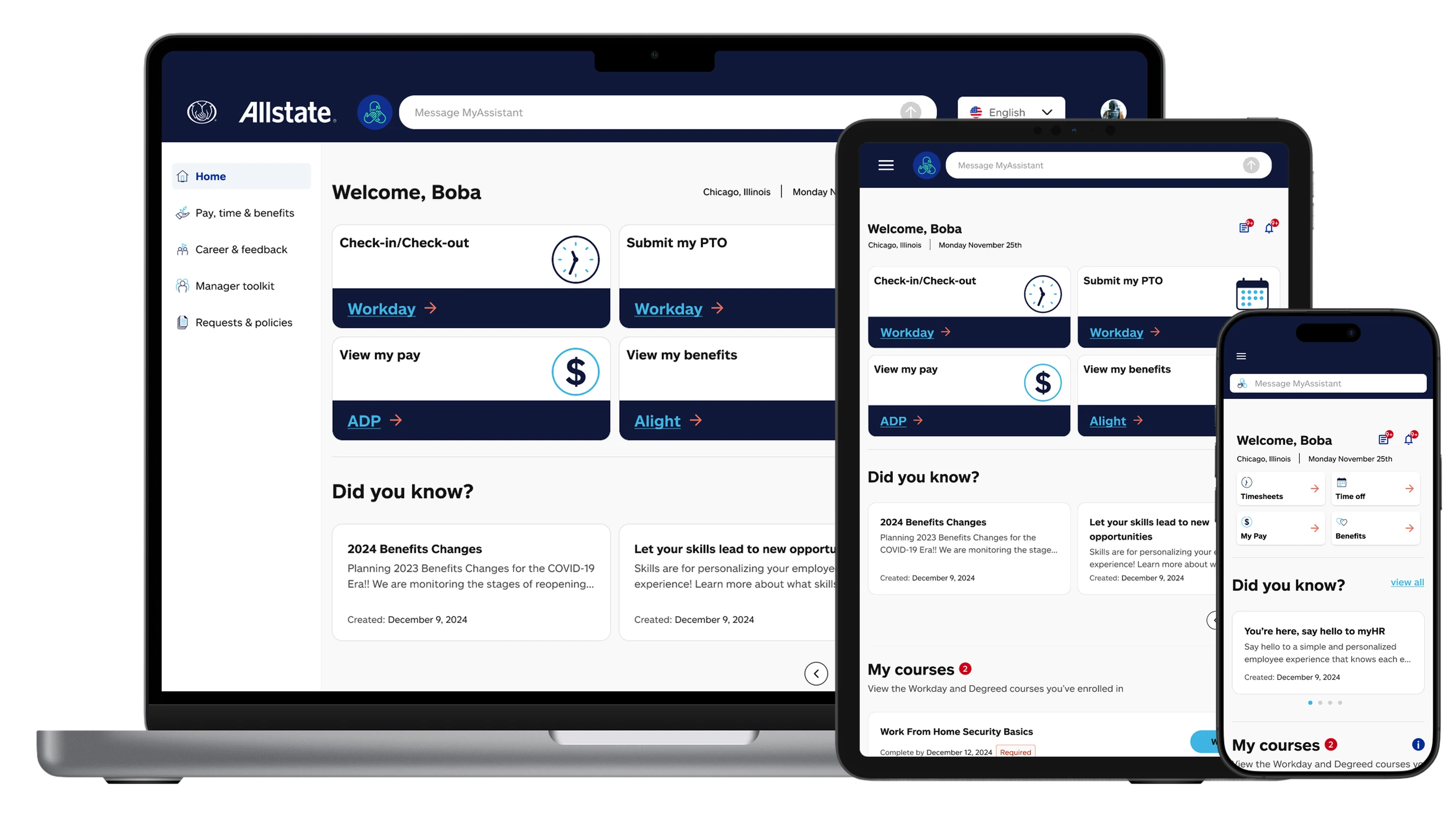
Homepage
Challenges
- Employees had no clear entry point. Key HR resources were scattered across disconnected pages with no hierarchy or personalization.
- The Zendesk foundation had no concept of role-based content surfacing, forcing everyone to see the same generic portal.
- Leadership wanted the AI assistant to be prominent without feeling like a gimmick layered on top of an existing UI.
Solutions
- Designed a role-aware homepage that surfaced the most relevant HR resources, pending actions, and recent activity based on employee context.
- Established a clear visual hierarchy using scannable card modules so employees could find what they needed without reading everything.
- Integrated the AI assistant as a native part of the page layout — a persistent, contextual entry point rather than a floating widget.
Navigation & IA
Challenges
- The existing site had no coherent taxonomy. Categories were inconsistent and didn't map to how employees actually thought about HR tasks.
- Deep nesting made content hard to find without already knowing where it lived.
- Multiple teams owned different portal sections, producing fragmented, inconsistent navigation patterns across the experience.
Solutions
- Rebuilt the information architecture from scratch using card sorting with HR stakeholders to align taxonomy with employee mental models.
- Flattened the navigation structure to put more content within two clicks, reducing the cognitive overhead of finding anything.
- Standardized section templates across team ownership boundaries, ensuring consistent patterns regardless of who managed the content.
AI integration
Challenges
- The AI assistant had been built in isolation — it couldn't surface relevant portal content or connect to real HR workflows.
- There was no path from AI to human support, leaving employees stuck when the assistant couldn't resolve their issue.
- Users had no way to understand what the AI could and couldn't do, creating mismatched expectations and eroding trust.
Solutions
- Designed a contextual AI layer that could surface relevant articles, forms, and policies inline within the conversation.
- Built a clear escalation pathway from AI to live agent, with case creation tied directly to the conversation context.
- Created transparency indicators and a confidence display so employees could understand AI limitations and set accurate expectations.
Project end
By winter 2024, Stage 1 designs were complete and handed off to development. The cost to keep me on the contract couldn't be justified, so I rolled off before launch. Before leaving I made sure the transition was clean, delivering final designs, conceptual mockups for Stage 2, and strategic documentation to keep the vision intact.
In early spring 2025, MyHR 2.0 launched. I wasn't there to see it, but I kept a pulse on the project.
HR support ticket volume dropped approximately 18% in the first quarter following launch.
Employee satisfaction with the HR portal improved by approximately 30% in internal surveys.
The 4-stage AI roadmap was adopted as the working framework for the next 18 months of development.
Task completion rate improved by approximately 24% based on post-launch usability testing.
Accenture's contract was renewed with Allstate's talent management group following Stage 1 delivery.
Conclusion
The most valuable thing I did on this project wasn't design work. It was helping the client understand what they were actually trying to build.
Big AI visions are easy to generate. Turning them into a product someone can ship, use, and build on is a different kind of problem. It requires pushing back on vague asks, aligning stakeholders who don't always agree, and making strategic decisions that go beyond the screen. This project reinforced that the best design work often starts well before you open a design tool.